
 Codex
Codex
Connect Codex to all of your calendars
Kalender Sync connects Codex to all of your calendars: Outlook, Google, Apple, GMX, WEB.DE and more. With one connector you run your calendars straight from the CLI or from the agents you build yourself. Create events, check availability, plan your day, all through a single interface.
Reaches these calendars
Turn on developer mode
Codex runs on your ChatGPT account. In settings you switch on developer mode at the bottom of the connectors section, because OpenAI doesn't allow third-party connections any other way yet.
Add Kalender Sync
Create a new connection, give it a name and enter our server address. Pick OAuth as the sign-in method and the browser login takes care of the rest.
https://app.kalender-sync.de/mcp Grant your calendars
We send you over to sign in. There you choose which calendars are visible and whether events may be created, and from then on Codex knows your schedule across every account. That puts you among the more than 1,000 people who run their calendar from the editor.
Every calendar on one connection
Instead of writing an integration per provider, your agent hangs off a single connection. Outlook, Google, Apple, GMX, WEB.DE, mailbox.org, kSuite and Posteo come together in Kalender Sync, and no credentials for any of them sit in your configuration. When a calendar is added you grant it on our side and your setup stays as it is.
From agent to assistant
The agent already sitting on your project now knows your week too. It finds free blocks, keeps release time clear and books events without you switching windows.
You decide what it may see
For each calendar you choose between busy, title with time, and full details. What you don't grant doesn't exist for Codex, and your repository stays out of it anyway.
And you decide what it may do
Whether it only looks or also books is set per calendar. Every call is logged with a timestamp, so even after a long session you can see exactly what happened. Hosted in Germany.
Tutorial
This is how you connect Codex.
The video runs through the flow once: set up the connection, grant your calendars at the level of detail you want, and have the first event booked from a message.
Read the guide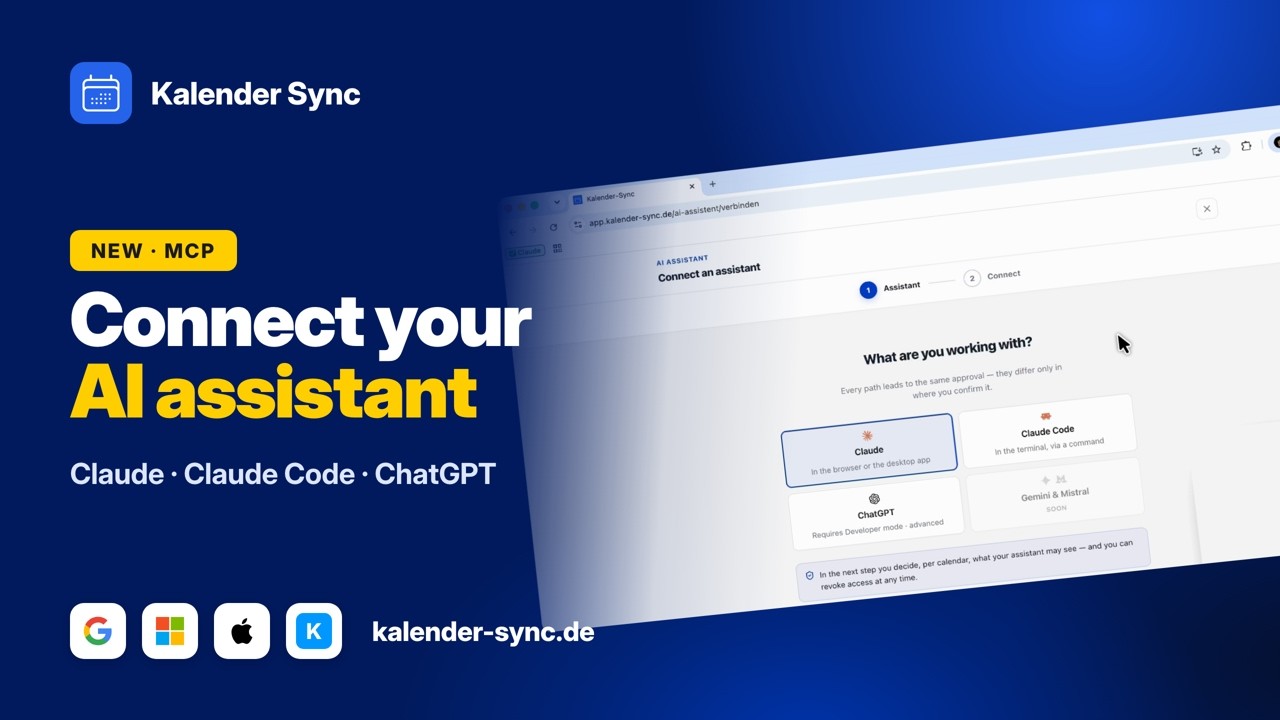
Clicking play loads YouTube. Data will be sent to Google.
Examples
What you can ask Codex
You stay in the session you are working in anyway and say it in plain sentences. Codex looks into the calendars you granted.
See the working day
Before you get stuck in, it is worth asking how much of the day is actually still yours. The answer covers every connected account.
- What is still on today?
- When is my next meeting?
- How full is Thursday?
Find a window
For work in one go you don't need a gap, you need a proper block. That is what you can ask for, and have it held right away.
- Where are two quiet hours this week?
- When is the team fully free?
- Find a window for the release.
Set events
What you would otherwise click together in the calendar you simply say here. If you allowed creating, the event is in the right calendar afterwards.
- Put standup at 9:15.
- Block two hours for the review.
- Keep Friday afternoon clear for me.
Wall of Love
Don't just take our word for it.
Our users are our best and most honest ambassadors. See why they wouldn't go back.

„With three companies I used to dig through three calendars whenever somebody asked for a meeting. Today I ask once and get an answer that already accounts for all of them."

„I am on job sites all day and rarely near a computer. When a customer calls, I just say the appointment into my phone afterwards and it lands in the right calendar with the address."

„I am in the terminal anyway, so that is where I plan now. One sentence and the four hours for the rebuild are in my calendar without me switching windows."

„I started by only letting it look things up, because I was sceptical. These days it prepares half my week and I mostly just correct things."

„I am honestly not a tech person and did not want anything complicated. I type in when I would like to hold office hours and get three suggestions that actually work."

„Sending clients meeting options was always the task that got left for later. Now the email comes back written and already checked against the agency and project calendars."
FAQ
Frequently asked questions about Codex
What is Codex allowed to do in my calendar?
You decide that per calendar. There is one switch for reading and one for creating, and the second one starts off.
Because an agent works through longer tasks on its own, every call is logged with a timestamp. That is where you look afterwards to see what actually happened.
What the assistant may doDoes Codex see my code through this connection?
No. Only calendar data travels over this connection; files or repository contents never reach us.
What arrives here is what you have it book, essentially the title, time and duration of an event.
Can I build this into my own agents?
Yes. Anything that speaks the Model Context Protocol talks to the same interface, whether you are in the terminal or writing your own agent.
For flows where nobody is sitting next to it there is also an access key your agent signs in with, no browser required.
Technical referenceHow far does the view into the calendar reach?
Availability comes in stretches of up to 92 days, and it can look back up to a year. Quarterly planning is a single call.
Text search returns the 50 nearest hits and flags when there were more, so the agent can narrow the range by itself.
What does it cost?
From 5 euros a month. What you need depends mostly on how many calendars you want to connect: the Basic plan covers three accounts, Professional as many as you like.
The assistant itself costs nothing extra, it is part of every plan. You can try the whole thing for seven days, without a credit card and without anything renewing on its own.
See the plansConnect your other agents too
Kalender Sync sits behind an open interface, so whatever else you use reaches the same calendars in the same way. Every agent gets its own access with its own visibility, and you can end each one separately.



Ready for an agent that knows your week?
Connect Codex nowCurrently supported providers
GoogleMicrosoftApple iCloudKSuiteGMXWEB.DEmailbox.orgiCal-Feeds
