

Connect your AI provider to your calendars
Kalender Sync connects Claude, ChatGPT, Codex, Cursor, Grok, OpenClaw, n8n and Zapier to all of your calendars: Outlook, Google, Apple, GMX, WEB.DE and more. With one connector you can let your agent handle your calendars from now on. Create events, check availability, plan your day, all through a single interface.
Supported assistants
 Claude
  Claude Code
  ChatGPT
  Codex
Codex  n8n
n8n  Zapier
  Cursor
  Grok
Grok  OpenClaw
 Connect your AI assistant – in 2 minutes
Claude, ChatGPT and others see all your calendars through one connection, find free time, create events and manage your syncs if you want. You decide what they see and what they may do.
Claude and Claude Cowork
Open in Claude - 1 Click Connect in the directory.
- 2 Sign in to Kalender Sync – your account is created on the way – and connect your calendars.
- 3 Choose per calendar: busy only, title and time, or full details, plus optional write access.
Claude Code
- 1 Run in your project: Terminal
claude mcp add --transport http \
  kalender-sync https://app.kalender-sync.de/mcp
- 2 Start Claude Code, type /mcp, pick kalender-sync and choose Authenticate. Then sign in and grant your calendars.
Open in ChatGPT - 1 Add Kalender Sync and connect it.
- 2 Sign in to Kalender Sync – your account is created on the way – and connect your calendars.
- 3 Choose per calendar: busy only, title and time, or full details, plus optional write access.
Open the plugin - 1 Codex uses the same plugin directory as ChatGPT: add Kalender Sync and connect it.
- 2 Sign in to Kalender Sync – your account is created on the way – and connect your calendars.
- 3 Choose per calendar: busy only, title and time, or full details, plus optional write access.
- 1 Create an account in the app (7 days free, no credit card) and connect your calendars.
- 2 In the app, open AI assistant → Connect the assistant → Something else, choose your calendars and create the key. It starts with ksa_ and is shown only once.
- 3 Add the entry to ~/.cursor/mcp.json and replace ksa_… with your key. Existing servers stay as they are. ~/.cursor/mcp.json
{
  "mcpServers": {
    "kalender-sync": {
      "url": "https://app.kalender-sync.de/mcp",
      "headers": {
        "Authorization": "Bearer ksa_…"
      }
    }
  }
}
- 1 Create an account in the app (7 days free, no credit card) and connect your calendars.
- 2 In the app, open AI assistant → Connect the assistant → Something else, choose your calendars and create the key. It starts with ksa_ and is shown only once.
- 3 Run in Grok Build and replace ksa_… with your key: Terminal
grok mcp add --transport http kalender-sync https://app.kalender-sync.de/mcp \
  --header "Authorization: Bearer ksa_…"
- 1 Create an account in the app (7 days free, no credit card) and connect your calendars.
- 2 In the app: AI assistant → Connect the assistant → OpenClaw. Choose calendars and permissions, then create a key. Use this key only in OpenClaw.
- 3 Set the key as environment variable KALENDER_SYNC_KEY and add the server in OpenClaw: Terminal
openclaw mcp set kalender-sync '{
  "url": "https://app.kalender-sync.de/mcp",
  "transport": "streamable-http",
  "headers": { "Authorization": "Bearer ${KALENDER_SYNC_KEY}" }
}'
Paste this task into your assistant. It reads the guide and walks you through it step by step:
Read https://kalender-sync.de/en/agents.md and connect me to Kalender Sync. Walk me through sign-in and granting my calendars step by step.
You do the sign-in yourself, your assistant tells you what comes next. In Claude and ChatGPT everything runs through the sign-in window, with other assistants it helps you create an access key.
Agent guide (agents.md) SKILL.md https://app.kalender-sync.de/mcp
Connect your assistant
Search for Kalender Sync in Claude or ChatGPT and hit Connect. There are no keys and no side setup, and after about two minutes the connection is live.
Grant your calendars
Pick the calendars your assistant should know and set for each one how much of it is visible. Work, personal or side project is entirely your call.
Hand off the work
Just ask where you still have two hours in one piece this week. Your assistant answers across every calendar and books the event in the right one if you want. That puts you among the more than 1,000 people who have handed their scheduling over already.
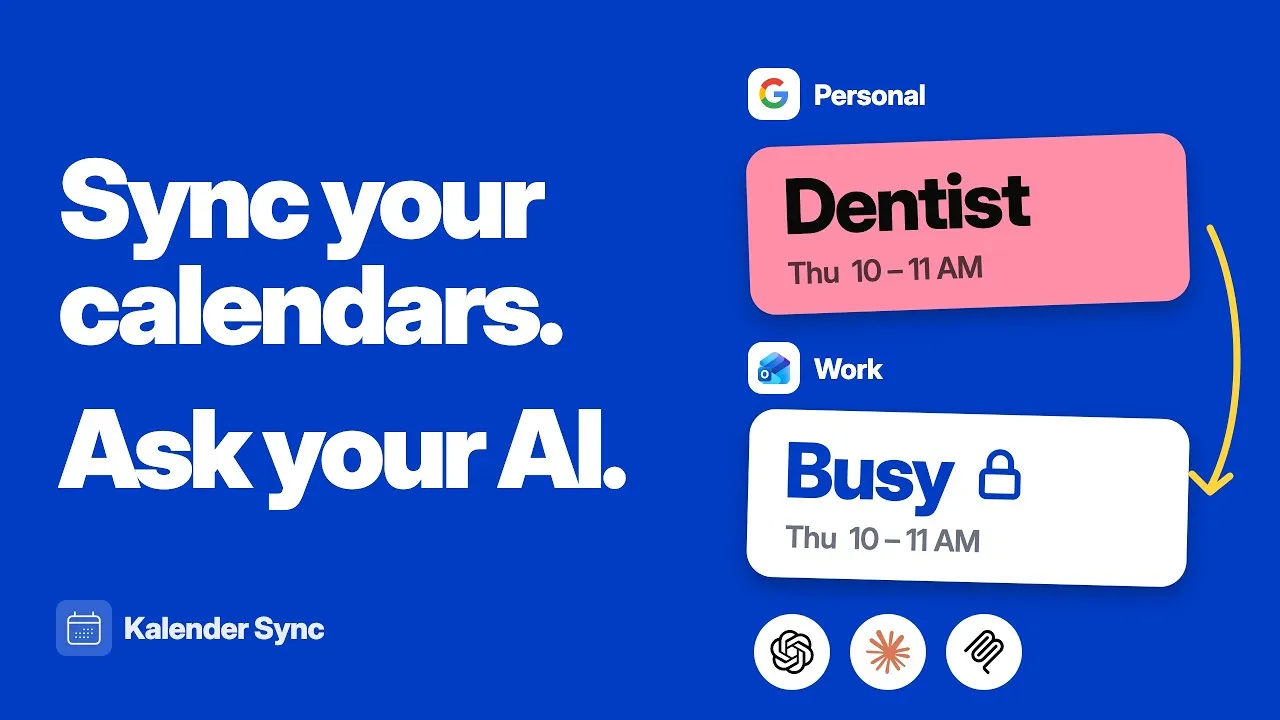
Kalender Sync in 30 seconds
Connect your calendars, choose what others see, ask AI when you're free. The film shows all of it in one go.
Clicking play loads YouTube. Data will be sent to Google.
Every calendar on one connection
Most calendar integrations hang off a single account. Here your assistant sees your whole schedule at once: Outlook, Google, Apple, GMX, WEB.DE, mailbox.org, kSuite, Posteo, STRATO and Disroot all come together in Kalender Sync. Your provider logins stay with us and are never passed on, and everything is managed in one place.
From AI to assistant
An AI without your calendar answers in general terms. With it, it plans your day, suggests times that are genuinely free, drafts the email with the meeting options and books the event itself if you ask.
You decide what your assistant sees
For each calendar you choose between busy, title with time, and full details. A calendar you don't grant doesn't exist for the assistant, and attendees or attachments never leave your calendar.
And you decide what it may do
Whether it only looks or also creates events is your call, per calendar. Every action is logged with a timestamp so nothing happens unnoticed, and you can end the connection with one click. Hosted in Germany.
Tutorial
This is how you connect your assistant.
The video walks the whole way: connect the assistant, grant your calendars at the level of detail you want, and have the first event created from a simple message.
Read the guide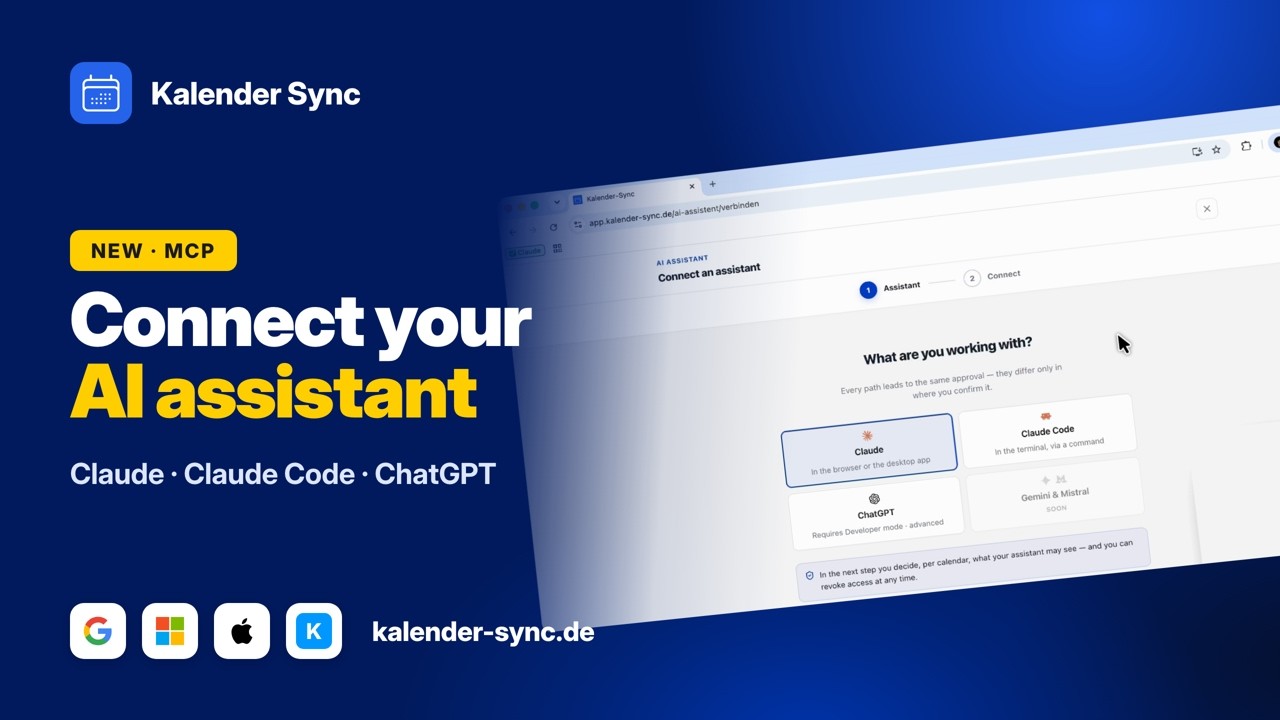
Clicking play loads YouTube. Data will be sent to Google.
Examples
What you can ask your assistant
Whichever provider you connect, the questions stay the same. You write in ordinary sentences, and your assistant looks into exactly the calendars you granted.
See the day
Instead of opening three calendar views side by side, you ask once. The answer covers every connected account, no matter which one the event sits in.
- What is still on today?
- What does my Thursday look like?
- Anything important next week?
Find free time
This is the question that saves the most time. Your assistant checks every calendar at once and only offers times that are genuinely free.
- Where do I have two hours in one piece this week?
- When does a meeting with Lisa fit?
- Offer three times for a first call.
Create events
Once you allow creating for a calendar, it doesn't stop at the suggestion. The event lands in the right calendar and is on your phone seconds later.
- Put the call on Tuesday at 10.
- Block Friday afternoon for focused work.
- Add the dentist on the 3rd at 9.
For organizers
Your agent keeps your public calendar current
Running classes, club events or meetups? With a Subscribe Calendar, visitors subscribe to your events through a button on your website. Your assistant keeps that calendar up to date for you.
- Add events from a message or a list
- Move, change or delete them when plans change
- Show how many subscribers the calendar has per app
- Hand you the ready-made button code for your website
Tick “Manage subscribe calendars” when connecting; existing connections reconnect once. Costs no credits. Subscribers see changes the next time their calendar app fetches the feed.
More about Subscribe Calendars →“Add the parents' evening on Thursday, November 12, at 7 pm to the school calendar.”
Done, it's in the school calendar:
“How many people subscribed?”
214 active subscribers, by app:
Wall of Love
Don't just take our word for it.
Our users are our best and most honest ambassadors. See why they wouldn't go back.

„With three companies I used to dig through three calendars whenever somebody asked for a meeting. Today I ask once and get an answer that already accounts for all of them."

„I am on job sites all day and rarely near a computer. When a customer calls, I just say the appointment into my phone afterwards and it lands in the right calendar with the address."

„I am in the terminal anyway, so that is where I plan now. One sentence and the four hours for the rebuild are in my calendar without me switching windows."

„I started by only letting it look things up, because I was sceptical. These days it prepares half my week and I mostly just correct things."

„I am honestly not a tech person and did not want anything complicated. I type in when I would like to hold office hours and get three suggestions that actually work."

„Sending clients meeting options was always the task that got left for later. Now the email comes back written and already checked against the agency and project calendars."
FAQ
Frequently asked questions about the AI assistant
What is MCP anyway?
MCP stands for Model Context Protocol, an open standard that lets AI assistants talk to services outside their own chat window. Think of it as a plug that fits everywhere.
We provide one of those sockets for your calendars. Your assistant gets access to exactly the calendars you grant, at the level of detail you choose.
The full explainer, no buzzwordsWhich agents can I connect?
Claude in the chat, Claude Code in the terminal, Claude Cowork, ChatGPT, Codex, Cursor, Grok Build and OpenClaw. For automations, n8n and Zapier work as well.
Claude and ChatGPT (including Codex) connect through the sign-in window. Any other client that speaks MCP over HTTP with a custom header works with an access key from the app, even if it isn't listed here.
What is my assistant allowed to do in my calendar?
You decide that for each calendar separately. There is one switch for looking things up and one for creating events. When you grant access, all available permissions start switched on, and you turn creating off for any calendar where you don't want it.
Every query and every event created is logged with a timestamp in the app. That is also where you end an access again, immediately and without a follow-up question. You can view the log from Basic (7 days); Professional keeps 90 days with CSV export.
What the assistant may doCan my assistant set up syncs too?
Yes. It shows you your syncs, explains why one is not running and, once you confirm, creates one-way or two-way syncs between your own calendars. It can pause and delete them too, and nothing is deleted until you explicitly confirm.
This only applies to calendars where you allowed "Manage syncs into this calendar". Syncs cost no credits, and syncs between your own calendars are available from Basic.
Manage syncs with your assistantDoes my assistant see all the details?
Only as much as you want. Per calendar you choose between busy, title with time, and full details, and you can change it whenever you like.
Attendees, attachments and links stay out of it at every level. A calendar you haven't granted doesn't show up for your assistant at all.
The three visibility levelsDo I need technical knowledge for this?
Not for Claude and ChatGPT. You find the connector, hit connect, sign in and pick your calendars. It takes about as long as setting up a new app on your phone.
Only Claude Code and Codex add a command in the terminal, and that one sits ready to copy on the page for each of them.
Which calendars can I connect?
Outlook and Microsoft 365, Google, Apple iCloud, GMX, WEB.DE, mailbox.org, Infomaniak kSuite, Posteo, STRATO and Disroot, plus iCal feeds as a source.
You can connect several of them at once; how many depends on your plan: two accounts on Free, three on Basic, unlimited on Professional. That is rather the point: your assistant shouldn't know a slice of your schedule, it should know all of it.
And what does it cost?
You can start for free: AI access is included on every plan, including Free with 100 credits a month and one calendar per access. From 5 euros a month you get more: Basic has three accounts, three calendars per access and 1,000 credits, Professional unlimited accounts, 25 calendars per access and 2,000 credits.
You can try the whole thing for seven days, without a credit card and without anything renewing on its own.
See the plansGuides
Prefer reading? Step by step
Ready for an assistant that knows your schedule?
Try free for 7 daysCurrently supported providers
GoogleMicrosoftApple iCloudKSuiteGMXWEB.DEmailbox.orgiCal-Feeds
