
 Zapier
Connect Zapier to all of your calendars
Kalender Sync connects Zapier to all of your calendars: Outlook, Google, Apple, GMX, WEB.DE and more. Your Zaps check free time and create events, without an AI model and through a single interface.
Reaches these calendars
 STRATO
 Create the access
Create an access for Zapier in Kalender Sync and pick which calendars are visible. The key is shown exactly once, so copy it right away.
Create the access in the appConnect it in the Zap
Take the MCP client by Zapier as your action, enter our server address and put the key into the bearer-token field. Leave out the word Bearer, Zapier adds that itself.
https://app.kalender-sync.de/mcp Map the fields
Now pick what the Zap should do: check free time, look up events or create them. Map the fields from your trigger, test it and turn it on. That puts you among the more than 1,000 people who have automated their scheduling.
Every calendar on one connection
The calendar apps in Zapier each hang off one account; here your Zap hangs off all of them at once. So the question whether a time is free is answered across your whole schedule rather than the one connected calendar.
Fixed flows, no guessing
The Zap does exactly what you set up, with the fields from your trigger. No model interprets anything on top, which is what you want for everything that has to run the same way every day.
You decide what it may see
For each calendar you choose between busy, title with time, and full details. What you don't grant doesn't exist for the Zap.
And you decide what it may do
Whether it reads only or books as well hangs off the access, not off the Zap. Every call is logged, and the key can be ended at any time without touching other connections.
Tutorial
This is how you connect Zapier.
The video runs through the flow once: create the access, grant your calendars and pick what should happen in the Zap.
Read the guide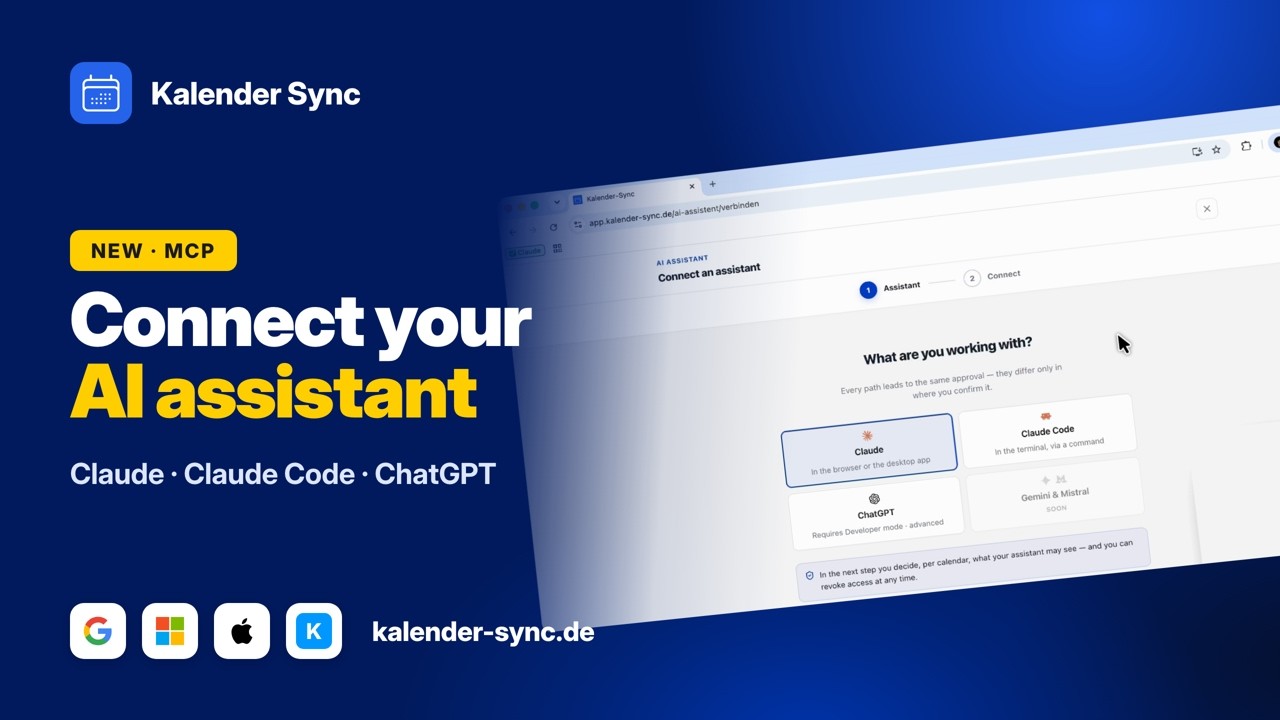
Clicking play loads YouTube. Data will be sent to Google.
Examples
What your Zaps can take care of
A Zap doesn't ask, it runs. These three building blocks cover almost everything that has to do with scheduling day to day.
Check availability
Before a confirmation goes out, the Zap looks across every connected calendar to see whether the requested time is really free. A filter behind it decides what happens next.
- Is Tuesday at 10 free?
- Where is there room this week?
- Is there a clash?
Create events
A submitted form or a new record in the CRM becomes an event directly. The fields come from your trigger, the calendar you set once.
- Form submitted, book the event.
- New lead, book the intro call.
- Order received, plan the handover.
Send overviews
Every morning the Zap collects the day's events from every calendar and sends them where you are already looking.
- Daily overview at 7.
- Week ahead on Monday.
- Reminder one hour before.
Wall of Love
Don't just take our word for it.
Our users are our best and most honest ambassadors. See why they wouldn't go back.

„With three companies I used to dig through three calendars whenever somebody asked for a meeting. Today I ask once and get an answer that already accounts for all of them."

„I am on job sites all day and rarely near a computer. When a customer calls, I just say the appointment into my phone afterwards and it lands in the right calendar with the address."

„I am in the terminal anyway, so that is where I plan now. One sentence and the four hours for the rebuild are in my calendar without me switching windows."

„I started by only letting it look things up, because I was sceptical. These days it prepares half my week and I mostly just correct things."

„I am honestly not a tech person and did not want anything complicated. I type in when I would like to hold office hours and get three suggestions that actually work."

„Sending clients meeting options was always the task that got left for later. Now the email comes back written and already checked against the agency and project calendars."
FAQ
Frequently asked questions about Zapier
Do I need an AI model in Zapier?
No. The Zap calls exactly what you picked and passes the fields from your trigger. No model is involved that would interpret an intent.
That makes this route a good fit for fixed flows with clear fields. For questions in plain language, a chat assistant is the nicer surface.
All supported agentsWhat is the Zap allowed to do in my calendar?
That hangs off the access you created and applies per calendar. Look only or book as well is decided there, not in the Zap.
Every call is logged, and you can end the key at any time. Other connections stay untouched.
What the assistant may doI lost the key.
For security the key is shown only once and cannot be read out afterwards, not even by us.
Just create a new access, paste it into the Zap and end the old one in the same step. It takes less than a minute.
What happens if the time is already taken?
When booking we check availability again and report back if the slot is taken. We don't block the entry, because overlaps are sometimes deliberate.
The clean way is to check availability first and then use a filter to decide whether anything gets booked at all.
What does it cost?
You can start for free: AI access is included on every plan, including Free with 100 credits a month and one calendar per access. From 5 euros a month you get more: Basic has three accounts, three calendars per access and 1,000 credits, Professional unlimited accounts, 25 calendars per access and 2,000 credits.
How often your automation runs makes no difference to the price. You can try the whole thing for seven days, without a credit card and without anything renewing on its own.
See the plansConnect your other agents too
Kalender Sync sits behind an open interface, so whatever else you use reaches the same calendars in the same way. Every agent gets its own access with its own visibility, and you can end each one separately.



Ready for Zaps that know your calendars?
Connect Zapier nowCurrently supported providers
GoogleMicrosoftApple iCloudKSuiteGMXWEB.DEmailbox.orgiCal-Feeds
