
 n8n
n8n
Connect n8n to all of your calendars
Kalender Sync connects n8n to all of your calendars: Outlook, Google, Apple, GMX, WEB.DE and more. Your agent checks free time and creates events through a single connection instead of a node per provider.
Reaches these calendars
 STRATO
 Create the access
Create an access for n8n in Kalender Sync. While you are there you pick which calendars are visible and whether events may be created.
Create the access in the appAttach the tool
Attach an MCP Client Tool to your agent in the workflow, enter our server address and sign in with header auth using your key.
https://app.kalender-sync.de/mcp Pick a model
Use n8n 2.19.0 or newer and a model without reasoning streaming, for example gpt-4.1-mini. Older versions drop the results and the agent then wrongly reports empty calendars. Then it runs reliably, the way it does for more than 1,000 people who have automated their scheduling.
n8n ≥ 2.19.0 Every calendar on one connection
Instead of a node per provider and credentials per account, your agent hangs off a single connection. When a calendar is added you grant it on our side and the workflow stays exactly as it is.
Your agent picks what it needs
You don't have to build calendar logic into the workflow. The agent checks free time, looks up existing events and books new ones, depending on what the task calls for.
You decide what it may see
For each calendar you choose between busy, title with time, and full details. What you don't grant doesn't exist for the workflow.
And you decide what it may do
Whether it reads only or books as well hangs off the access, not off the workflow. Every call is logged, and the key can be ended on its own at any time.
Tutorial
This is how you connect n8n.
The video runs through the flow once: create the access, grant your calendars and attach the tool in your workflow.
Read the guide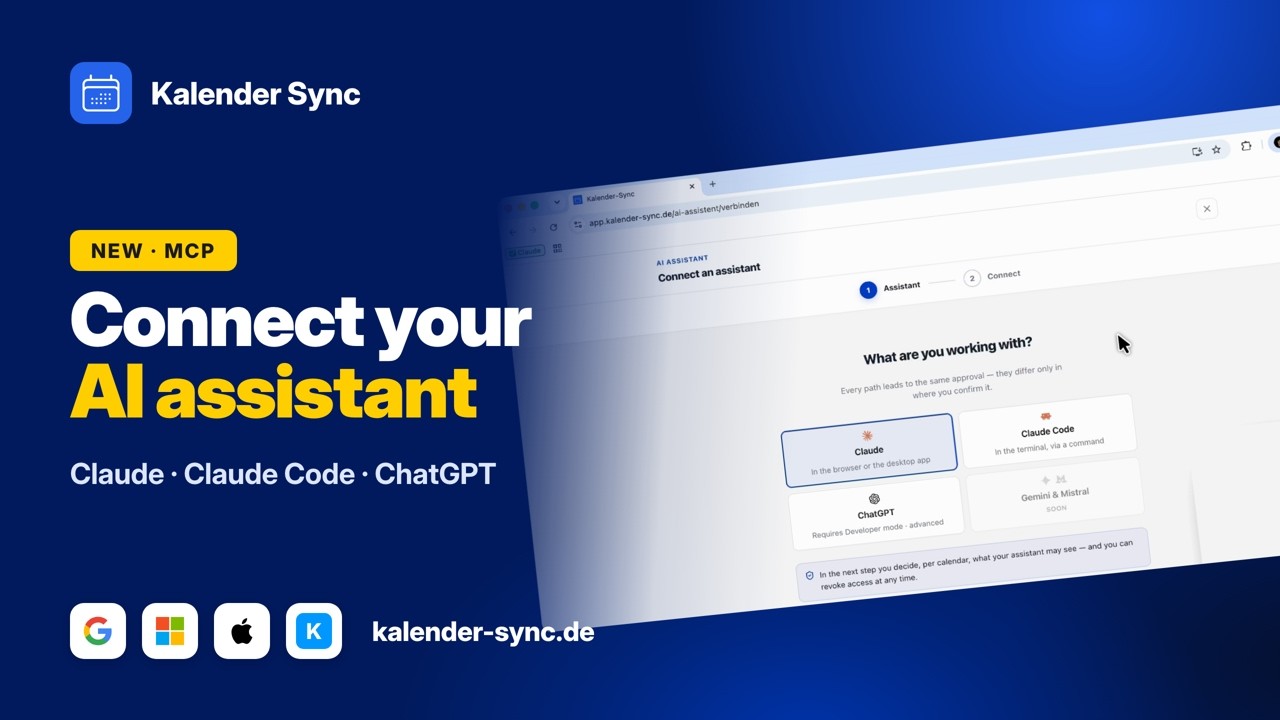
Clicking play loads YouTube. Data will be sent to Google.
Examples
What your workflow can take care of
You don't have to build the calendar logic yourself. Your agent picks what the task needs, and these three building blocks cover the everyday cases.
Check availability
Before an automatic confirmation goes out, the workflow looks across every connected calendar to see whether the time is really free.
- Is Tuesday at 10 free?
- Where is there room this week?
- Is there a clash?
Create events
A request by email or through a form becomes an event in the right calendar, with title and duration taken from the trigger.
- Request comes in, book the event.
- New lead, plan the intro call.
- Confirmed, add the handover.
Send overviews
Every morning the workflow collects the day's events, sums them up and sends the briefing to you or your team.
- Daily briefing at 7.
- Week ahead on Monday.
- Summary into the team chat.
Wall of Love
Don't just take our word for it.
Our users are our best and most honest ambassadors. See why they wouldn't go back.

„With three companies I used to dig through three calendars whenever somebody asked for a meeting. Today I ask once and get an answer that already accounts for all of them."

„I am on job sites all day and rarely near a computer. When a customer calls, I just say the appointment into my phone afterwards and it lands in the right calendar with the address."

„I am in the terminal anyway, so that is where I plan now. One sentence and the four hours for the rebuild are in my calendar without me switching windows."

„I started by only letting it look things up, because I was sceptical. These days it prepares half my week and I mostly just correct things."

„I am honestly not a tech person and did not want anything complicated. I type in when I would like to hold office hours and get three suggestions that actually work."

„Sending clients meeting options was always the task that got left for later. Now the email comes back written and already checked against the agency and project calendars."
FAQ
Frequently asked questions about n8n
The agent says I have no calendars.
It is almost always one of two things. Either n8n is older than 2.19.0, in which case the results never reach the agent, or a reasoning model with streaming is in play and the same thing happens.
A model like gpt-4.1-mini fixes it reliably. Whether the grant itself is fine you can check in the access log: if the call shows up there, the problem is on the n8n side rather than the connection.
Setup step by stepWhat is the agent allowed to do in my calendar?
That hangs off the access and applies per calendar. Look only or book as well is decided there, not in the workflow.
Every call is logged. With automated flows that is the place you check in the morning to see whether everything ran correctly overnight.
What the assistant may doOAuth or key?
Key. In the MCP Client Tool you pick header auth and create a credential with your access key.
You only get to see the key once, when the access is created. Because it hangs off its own access, you can end it at any time without touching other connections.
Which n8n version do I need?
2.19.0 at the least, whether self-hosted or in the cloud. Earlier versions discard the results of the MCP Client Tool.
When in doubt, the version is shown at the bottom left of the interface.
What does it cost to run?
You can start for free: AI access is included on every plan, including Free with 100 credits a month and one calendar per access. From 5 euros a month you get more: Basic has three accounts, three calendars per access and 1,000 credits, Professional unlimited accounts, 25 calendars per access and 2,000 credits.
How often your automation runs makes no difference to the price. You can try the whole thing for seven days, without a credit card and without anything renewing on its own.
See the plansConnect your other agents too
Kalender Sync sits behind an open interface, so whatever else you use reaches the same calendars in the same way. Every agent gets its own access with its own visibility, and you can end each one separately.



Ready for workflows that know your calendars?
Connect n8n nowCurrently supported providers
GoogleMicrosoftApple iCloudKSuiteGMXWEB.DEmailbox.orgiCal-Feeds
