
 OpenClaw
Connect OpenClaw to all your calendars
Kalender Sync connects OpenClaw to all your calendars: Outlook, Google, Apple, GMX, WEB.DE and more. Your agent sees your week across every account, finds free time and books events, exactly within the limits you set.
Reaches these calendars
 STRATO
 Run in your terminal, with the key stored in KALENDER_SYNC_KEY first:
openclaw mcp set kalender-sync '{"url":"https://app.kalender-sync.de/mcp","transport":"streamable-http","headers":{"Authorization":"Bearer ${KALENDER_SYNC_KEY}"}}' Create an account and connect calendars
Sign up for Kalender Sync and connect the calendars your agent should know about. The first seven days include every feature, no credit card needed.
Create the access and key
In the app, open AI assistant, then Connect the assistant and Something else. You pick the calendars and their detail level, and Create key gives you your access key. It is shown only once, so treat it like a password.
Add the server and the skill
Store the key as an environment variable and add the server with the command above. Our skill also tells your agent how to handle your calendars.
https://kalender-sync.de/skills/kalender-sync/SKILL.md Every calendar on one connection
Instead of building an integration per provider, your agent hangs off a single connection. Outlook, Google, Apple, GMX, WEB.DE, mailbox.org, kSuite, Posteo and STRATO come together in Kalender Sync.
An agent that plans with you
Your agent already works for you. Now it also knows when you have time, so it can suggest and book events instead of just reminding you.
You decide what it can see
For each calendar you choose between busy only, title and time, or full details. Whatever you don't share does not exist for your agent.
And you decide what it may do
Whether it only looks or also books is up to you, per calendar. Every call lands in the access log, and one click in the app revokes the key. Hosted in Germany.
Tutorial
How to grant calendars to OpenClaw.
The video walks through it with Claude. Choosing calendars and detail levels works exactly the same for OpenClaw, except that you finish by creating a key instead of signing in through the browser.
Read the guide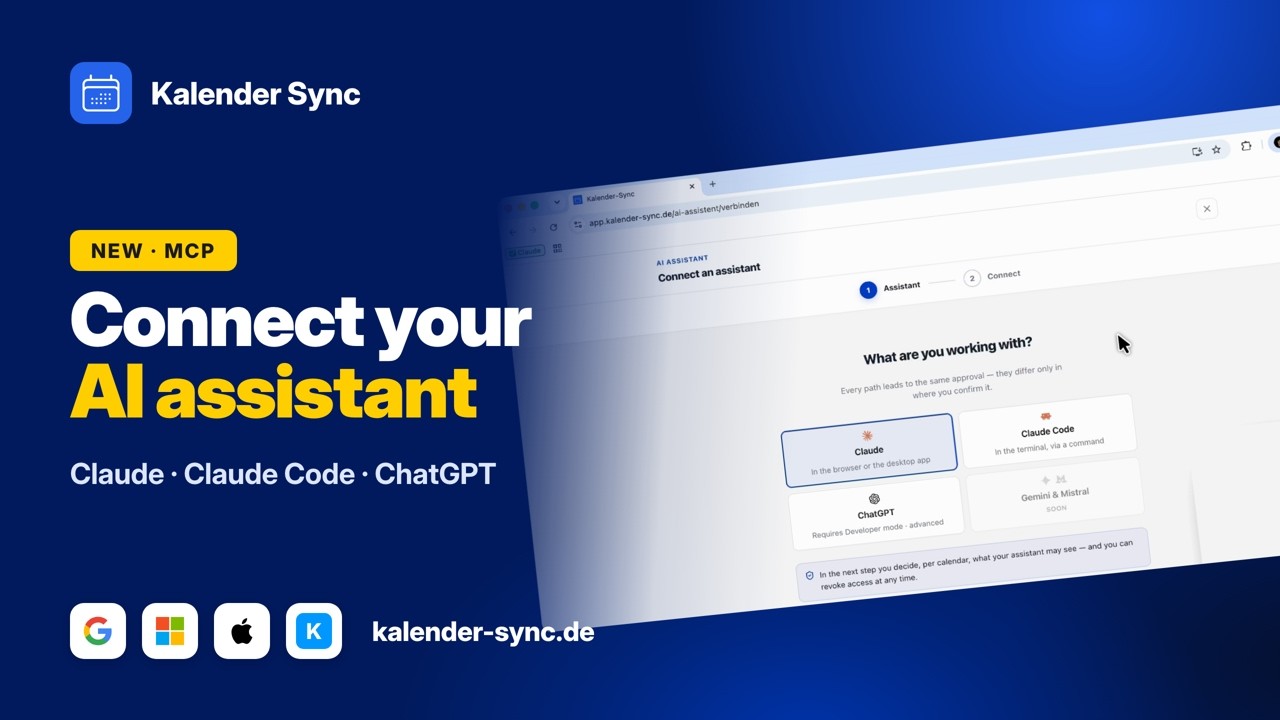
Clicking play loads YouTube. Data will be sent to Google.
Examples
What you can ask OpenClaw
You write to your agent in plain sentences. It looks into the calendars you have shared.
Keep the overview
Work and private events sit in one place for the first time, and your agent sums them up for you.
- What's on tomorrow?
- When is my next meeting?
- How busy is this week?
Find time
Instead of switching between calendars yourself, just ask for a gap that fits.
- When do I have time this week?
- Suggest three slots for a meeting.
- Where do two hours in a row fit?
Book events
If you allowed creating events, the event ends up in the right calendar.
- Put training at 6pm.
- Plan my Thursday.
- Keep Sunday free.
Wall of Love
Don't just take our word for it.
Our users are our best and most honest ambassadors. See why they wouldn't go back.

„With three companies I used to dig through three calendars whenever somebody asked for a meeting. Today I ask once and get an answer that already accounts for all of them."

„I am on job sites all day and rarely near a computer. When a customer calls, I just say the appointment into my phone afterwards and it lands in the right calendar with the address."

„I am in the terminal anyway, so that is where I plan now. One sentence and the four hours for the rebuild are in my calendar without me switching windows."

„I started by only letting it look things up, because I was sceptical. These days it prepares half my week and I mostly just correct things."

„I am honestly not a tech person and did not want anything complicated. I type in when I would like to hold office hours and get three suggestions that actually work."

„Sending clients meeting options was always the task that got left for later. Now the email comes back written and already checked against the agency and project calendars."
FAQ
Frequently asked questions about OpenClaw
Why does OpenClaw need a key?
OpenClaw signs in with an access key you create in the app. It only covers the calendars and permissions you gave this access.
Store it as an environment variable, not directly in the config and never in a chat. When you no longer need it, revoke it in the app and it stops working immediately.
Guide for agentsWhat is the skill for?
The skill is a short guide for your agent. It explains how the connection is set up and what the agent should watch out for when reading and booking.
Put it at skills/kalender-sync/SKILL.md in your workspace. The server entry alone is enough to connect, the skill makes the answers more reliable.
View SKILL.mdWhat can OpenClaw do in my calendar?
You decide per calendar. There is one switch for reading and one for creating events. When you grant access, all available permissions start switched on, and you turn creating off for any calendar where you don't want it.
Every call is logged with a timestamp, so afterwards you can check calmly what actually happened. You can view the log from Basic (7 days); Professional keeps 90 days with CSV export.
What the assistant may doWhat does it cost?
Reading and creating events work on every plan, including the free one. A monthly allowance sets how much the agent can query, and it is much larger on Basic from €5 a month.
You can try everything for seven days, with no credit card and nothing that renews on its own.
See plansConnect your other agents too
Kalender Sync sits behind an open interface, so whatever else you use reaches the same calendars in the same way. Every agent gets its own access with its own visibility, and you can end each one separately.



Ready for an agent that knows your week?
Connect OpenClaw nowCurrently supported providers
GoogleMicrosoftApple iCloudKSuiteGMXWEB.DEmailbox.orgiCal-Feeds
