


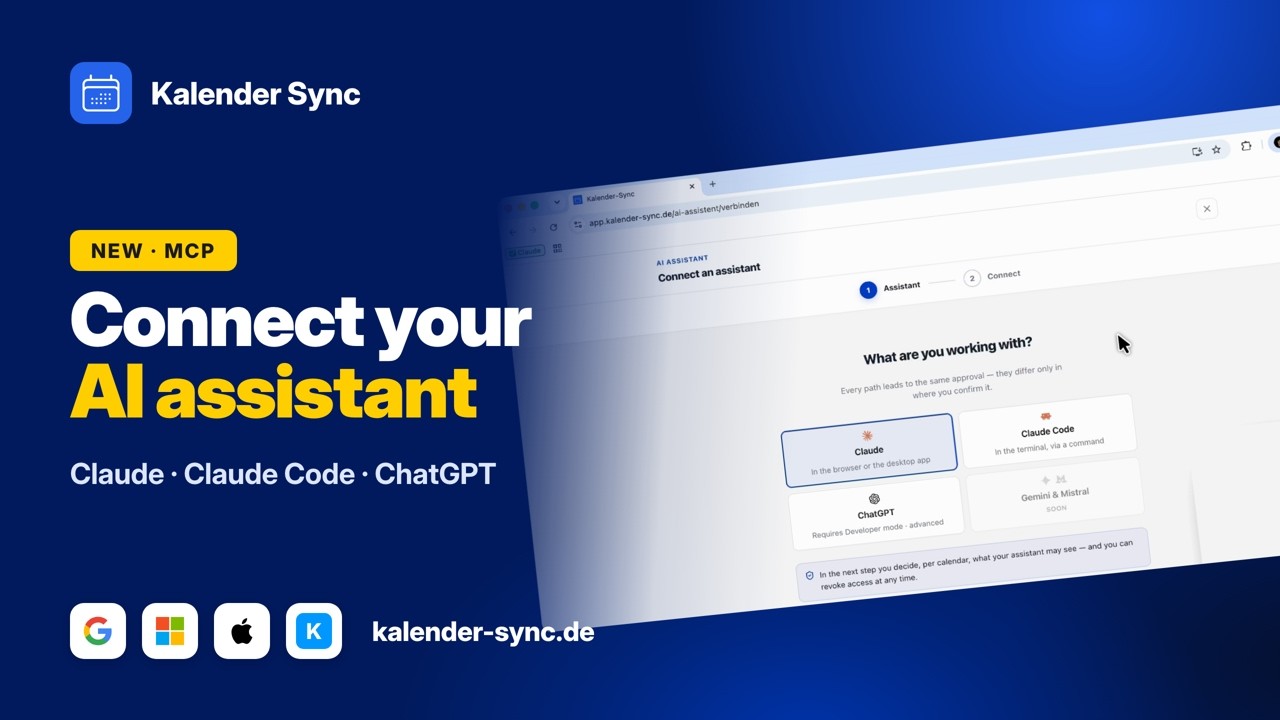
If you work in Claude Code, you know the context switch: you’re deep in the code, someone asks about a meeting, and you leave the terminal for three calendar tabs, count free slots by hand, and come back to an editor whose state you have to rebuild first. That entire category of interruption can be deleted. Claude Code can look up your availability itself, across all your calendars, without you leaving the terminal.
The setup is the shortest guide on this blog, and that’s not a marketing claim; it’s because Claude Code treats MCP servers as first-class citizens. It really is one command.
The setup
Step 1: Run this in your terminal:
claude mcp add --transport http kalender-sync https://app.kalender-sync.de/mcpStep 2: Start Claude Code and type /mcp. You’ll see kalender-sync in the list; select it, then Authenticate. Our sign-in opens in the browser.
Step 3: Sign in (no Kalender Sync account yet? Registering and connecting your calendars takes a few minutes, and reading availability works on every plan). On the consent screen, pick the calendars Claude Code may see and set the detail level per calendar. Confirm, back to the terminal, done.
From now on you can ask mid-session: “Where do I have two uninterrupted hours this week?” Claude Code calls the availability tool, the server reads live from Google, Outlook, iCloud and friends, and the answer lands in your terminal.
The right scope
By default, claude mcp add registers the server for the current project only. For a calendar that’s usually not what you want, since your availability is the same in every project. With the user scope, the server is available everywhere:
claude mcp add --transport http --scope user kalender-sync https://app.kalender-sync.de/mcpYou still authenticate only once. Check that everything’s in place anytime with claude mcp list, or /mcp inside a session.
What’s actually useful in a dev workflow
After a few weeks of using this ourselves, these are the patterns that stuck:
- Planning focus blocks: “Check my calendar and tell me if I can still push this refactoring through uninterrupted today; it needs about two hours.” Claude Code sees the 3pm meeting and answers honestly instead of guessing.
- Offering slots without leaving the terminal: “Give me three free 45-minute slots next week, formatted as a snippet for an email.” Copy it straight out, and the slots are genuinely free, across every calendar.
- Creating blockers (all plans): “Block tomorrow 9 to 11 in my work calendar for deep work.” With write access enabled, Claude Code puts it in, and it asks first: every write operation is confirmed before it runs. If you switch on auto-accept, that’s a deliberate choice.
- Combined with what Claude Code already knows: “We have four open tickets left in this sprint; look at my calendar and suggest how to spread them over the remaining days.” That’s the point where calendar access becomes more than a shortcut.
The security boundaries, in dev language
MCP servers with write access deserve healthy suspicion, so here are the boundaries the way you’d phrase them in a code review:
- Least privilege by design: calendars you didn’t share don’t exist for the server; no response mentions them. Per shared calendar you pick one of three detail levels (busy only, title and time, full details). Attendees, attachments and links are never transmitted on any level.
- Write permissions are separate per calendar: creating events is one permission, changing and deleting existing events is a second. Without the second, the assistant can only modify or delete events it created itself. With it, full details and a Google or Microsoft calendar, it may also edit existing events and respond to invitations. Our server checks this on every call; it’s not a policy you hope gets followed. All available permissions start switched on when you grant access, so for sensitive calendars you simply turn off changing existing events.
- Auditable: every query lands in the access log, with calendar, result and duration, but no event content. Exportable as CSV on the Professional plan.
- Revocation is server-side: worth knowing:
claude mcp remove kalender-synconly removes the server from your local config. The access itself lives with us and is cut under AI Assistant → Revoke, immediately and for all of that access’s tokens. There’s also a kill switch for all accesses at once, and unused accesses expire automatically. - OAuth 2.1, no credentials in the terminal: sign-in happens entirely in the browser. Your Claude Code config contains just the server URL; no API key, no password, nothing that makes an accidentally committed dotfile dangerous.
Why not just grab a Google Calendar MCP off GitHub?
Fair question; some of the open-source servers are genuinely good. The honest comparison: for a single Google calendar and some appetite for tinkering (your own OAuth project in the Google Cloud Console, credentials handling, updates), that’s a workable route. Our approach pays off as soon as one of three things is true: you have more than one provider (Outlook, iCloud, GMX and WEB.DE simply don’t have a healthy self-hosting ecosystem), you want granular visibility instead of full account access, or you want the same thing in Claude on your phone and in ChatGPT too, with the same consent and the same log. The guides for those: Claude and ChatGPT.
Quick reference
# Add (all projects)
claude mcp add --transport http --scope user kalender-sync https://app.kalender-sync.de/mcp

# Check status
claude mcp list        # or inside a session: /mcp

# Remove locally (revocation: in Kalender Sync under AI Assistant)
claude mcp remove kalender-sync
First prompts to warm up: “Which calendars are shared via Kalender Sync?”, “Am I free Thursday at 2pm?”, “Where do I have two uninterrupted hours this week?”
What MCP is under the hood: our plain-language explainer. The docs version of this guide: Connect with Claude Code. No account yet? Start free.
Transcript: the tutorial video in text form
Lightly cleaned excerpt from the tutorial embedded above – starting at the Claude Code chapter (4:07):
Show transcript
[4:07] For Claude Code, click Claude Code and you’ll see this command. Copy it and run it in your project – I work a lot in terminals. Done, the MCP is connected.
[4:30] Then start a Claude Code session in your CLI and type /mcp. You’ll see kalender-sync needs authentication – tap authenticate. The same window opens as with the normal Claude: choose what the agent can do. Let’s use all details and call him “Jarvis the second”. Allow access – authentication successful.
[5:18] Now we ask: “Claude, please add an appointment for tomorrow at 9 a.m.” It uses the MCP we connected: it checks which calendar it can write into, what date tomorrow is, and whether I’m free – no other appointments.
[6:15] It asks for the title – “feedback session with Paul” – and the duration: 1.5 hours. It calls Kalender Sync, asks for my permission again, and voilà: the appointment is there.
[6:45] Back in Kalender Sync we check the logs and see the actions it performed: it got availability, listed the calendars and created the event.